

Create website texts with ChatGPT - Prompts, templates & workflow

Portrait of Paul Stellnberger, co-founder of BSC Webdesign

by Paul Stellnberger / updated / 4 min. reading time

Portrait of Paul Stellnberger, co-founder of BSC Webdesign

by Paul Stellnberger / updated /
4 min. reading time

With these prompts, you can create high-quality website copy with ChatGPT in minutes. Whether it is the home page, About us or Services, every section follows a clear logic. Use AI deliberately: ChatGPT is a powerful tool, but it does not replace a final editorial review. If you would rather have ready-made text blocks that need no adjusting instead of prompts, you will find them in the article Website text templates. For choosing colours, I also recommend the colour scheme guide – website colours, palettes & examples (in German).

AI workflow in 5 steps

  1. Define goals & target group
  2. Write a short briefing (tone, benefits, proof)
  3. Have the structure generated (outline)
  4. Write & refine the draft
  5. SEO polish & internal linking

Why context is everything

The more precise your input, the better the output. Ideally, give ChatGPT:
  • Target group: who exactly, needs, barriers
  • Offer: service, special features, what sets you apart
  • Region/market: location, language, relevant conditions
  • Desired effect: enquiry, appointment, purchase, download
  • Tone & form of address: formal/informal, friendly/serious/modern
  • Proof: figures, reviews, certificates, references
  • CTA note: preferred wording & lowering the barrier
Tip: Use placeholders such as [target group], [offer], [location], [CTA]. That way you can reuse prompts and only adjust the details.
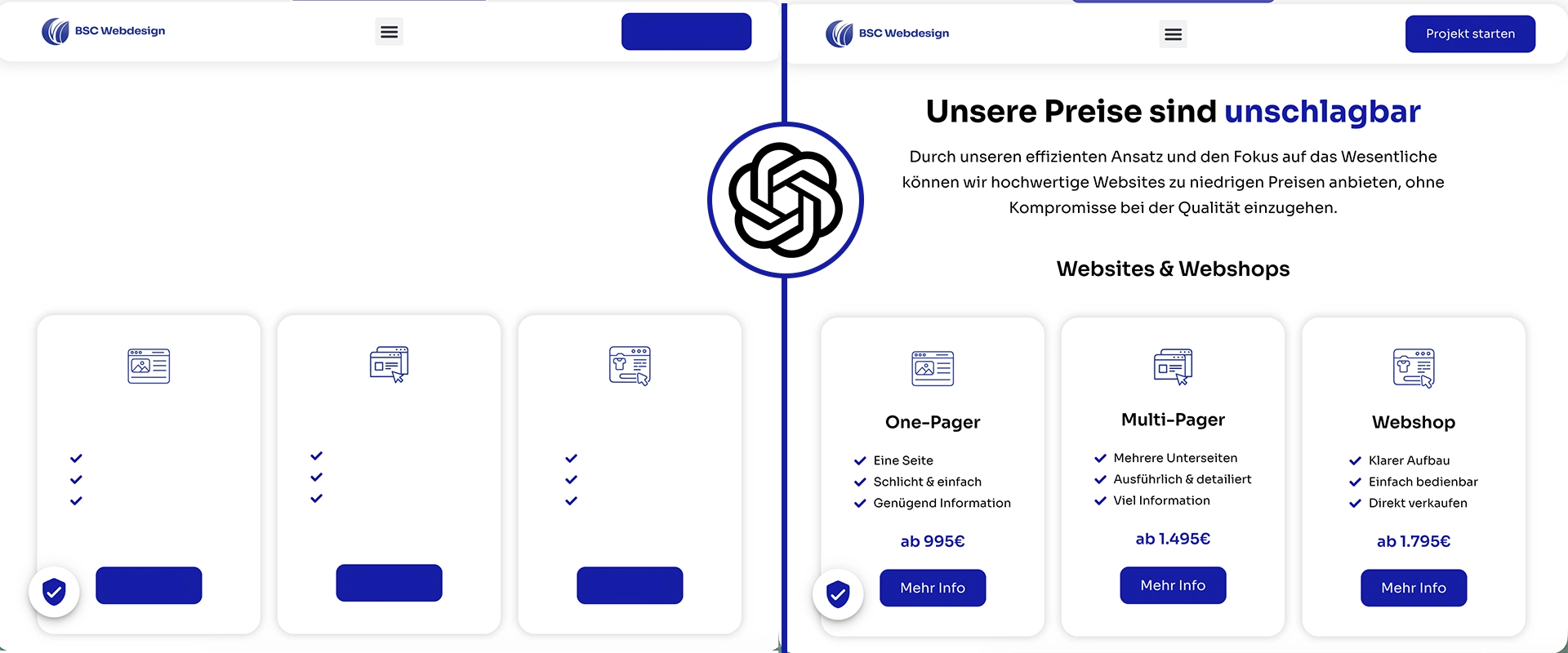
ChatGPT before/after – example website copy

Home page: meet visitors & build trust

Within seconds, the home page has to make clear what you offer, for whom, and why it is worth staying.
Prompt: complete home page (plain-text output)Role: experienced web copywriter. Write a complete home page for [company] in [location/region]. Target group: [target group with typical questions/barriers]. Main goal: [enquiries/appointments/orders/downloads]. Tone & form of address: [friendly/serious/modern], [formal/informal]. Content & order: – H2: Hero (claim ≤ 9 words, 1 benefit sentence, 1 CTA) – H2: Our advantages (3 points, 1 sentence each with a figure/proof if possible) – H2: Short introduction (1–2 sentences: who, what for, trustworthy) – H2: Services at a glance (3 areas, 2 sentences each + mini CTA) – H2: Testimonials & proof (figure/quote/certificate, precise) – H2: Next step (low barrier, clear expectation: duration/response time) Rules for style & quality: active verbs, short sentences (≤ 18 words), no empty phrases, avoid jargon, consistent CTAs, anticipate objections. Output format: plain text only (no HTML/no Markdown). Mark headings with “H2:”/”H3:”, lists with “- “, separate paragraphs with a blank line.
Prompt: hero section (plain-text output)Write a hero section for [offer] in [location] for [target group]. Provide 3 variants with: – Claim (≤ 9 words, results-oriented) – 1 benefit sentence (≤ 18 words) – 1 CTA (6–8 words, low barrier) Style: clear, human, understandable in 5 seconds. Output format: plain text only, no HTML/Markdown. Label the elements as “Claim: … / Benefit: … / CTA: …”.
Prompt: 3 benefit points (plain-text output)Write 3 benefit points about [offer] for [target group]. Format per point: verb + concrete advantage + result (with a figure if possible). Max. 18 words. No superlatives, no empty phrases. Output format: plain text only, as a list with “- “.

Services: clear, tangible and results-oriented

Describe results instead of jargon. Every service needs a benefit and a next step.
Prompt: complete services page (plain-text output)Write a services page for [offer/industry]. Structure: – H2: Introduction (2–3 sentences, benefits instead of features) – H2: Services – H3: [Service 1] → 2-sentence description (problem → result), 3 advantages (1 sentence each), mini CTA – H3: [Service 2] → as above – H3: [Service 3] → as above – H2: Process in 3 steps (short, transparent, remove barriers) – H2: Why us (2–3 proof points, what sets you apart, a figure if possible) Tone: professional, clear, friendly; active verbs; short sentences (≤ 18 words). Output format: plain text only, label headings H2/H3, lists with “- “.
Prompt: single service block (plain-text output)Write a service block about [service]. Output: – 2-sentence description (problem → solution/result) – 3 advantages (1 sentence each, measurable/concrete) – 1 mini CTA (6–8 words, active) Provide 2 variants: “factual” and “emotional”. Output format: plain text only. Start with the heading “H3: [service]”.

References: social proof & evidence

Show real results: short cases, quotes and figures – brief, concrete, verifiable.
Prompt: references/case section (plain-text output)Write a references section for [company] in [industry/location]. Content: – H2: What others say (1-sentence introduction) – 3 short cases (3 sentences each: starting point → measure → result with a figure) – 2 quotes (1 sentence each + attribution: name/role, optionally industry/location) – Closing CTA with a low barrier (7–9 words) Tone: credible, precise, no superlatives; figures where available. Output format: plain text only; headings with “H2:”; cases as a list “- “.

Contact page: low barrier, clear invitation

Explain what happens after the form is sent and remove barriers. Friendly, short, concrete.
Prompt: contact section (plain-text output)Write a contact section for [company]. Content: – 1 friendly invitation (1 sentence) – 3 reasons for “now” (1 sentence each, benefit/lower the barrier) – 1 CTA (6–8 words, active) – Note on response time & data protection Context: [support hours], [reply within X hours], [GDPR note]. Output format: plain text only; heading “H2: Contact”.

FAQ page: remove objections & reduce support requests

Answer the most common questions precisely and briefly – each with a next step.
Prompt: dedicated FAQ page (plain-text output)Write an FAQ page for [company/offer] in [location/region]. Deliver: – H2: Frequently asked questions (1-sentence introduction) – 6–8 FAQs (question + answer of max. 3 sentences), clear language – For each answer: 1 next step (mini CTA in 5–7 words) – Optional: link to contact/calendar for complex cases Tone: calm, solution-oriented, concrete; no empty phrases. Output format: plain text only; headings with “H2:”; FAQs as a list “- ” (Question: … / Answer: … / Next step: …).

DIY, manual or with support?

OptionStrengthsWhat to watch out for?
ChatGPT (DIY)Very fast, cost-efficient, good first draftsProvide context, check facts, keep the tone consistent
ManualFull control, in-depth industry knowledgeTime required, avoid tunnel vision
External support + AIStrategy, quality, SEO, legal certaintyClear briefing, budget & measurable goals
If you are still looking for the right system to build your site: our comparison helps you decide – WordPress or website builder?

Conclusion

With precise context and clear prompts, ChatGPT delivers high-quality website copy in a short time – for the home page, About us, Services, References, Contact and a focused FAQ page. Start with goals, target group and proof, build a clean outline and refine tone, clarity and SEO. For the whole process from concept to publication, our step-by-step guide is worth a read.

FAQ

Do the prompts really output plain text?Yes. Every prompt explicitly asks for “plain text only, no HTML/no Markdown” and defines clear labels for headings and lists.
How much context should I provide?At least the target group, offer, location/region, desired effect, tone/form of address, proof and preferred CTAs – the more, the better.
Can I change the order in the prompts?Of course. The order is tried and tested, but you can remove, add or rearrange sections if it makes sense for your goal.
How do I keep the tone consistent?Decide on a formal or informal form of address, describe the style (friendly/serious/modern) and use a “refine” prompt to make everything consistent.
Which page should I create first?The home page and services. Then About us, references, contact and finally the FAQ – this builds trust and helps SEO.

In this article

Portrait of Paul Stellnberger, co-founder of BSC Webdesign

Hey, I’m Paul!

I’m Paul Stellnberger, a co-founder of BSC Webdesign, a web design agency from Vienna, and I look after design and consulting. We build websites for businesses across Austria, in person in Vienna or by video call.

Planning a new website or want to improve your current one? See how we work, or just ask us.